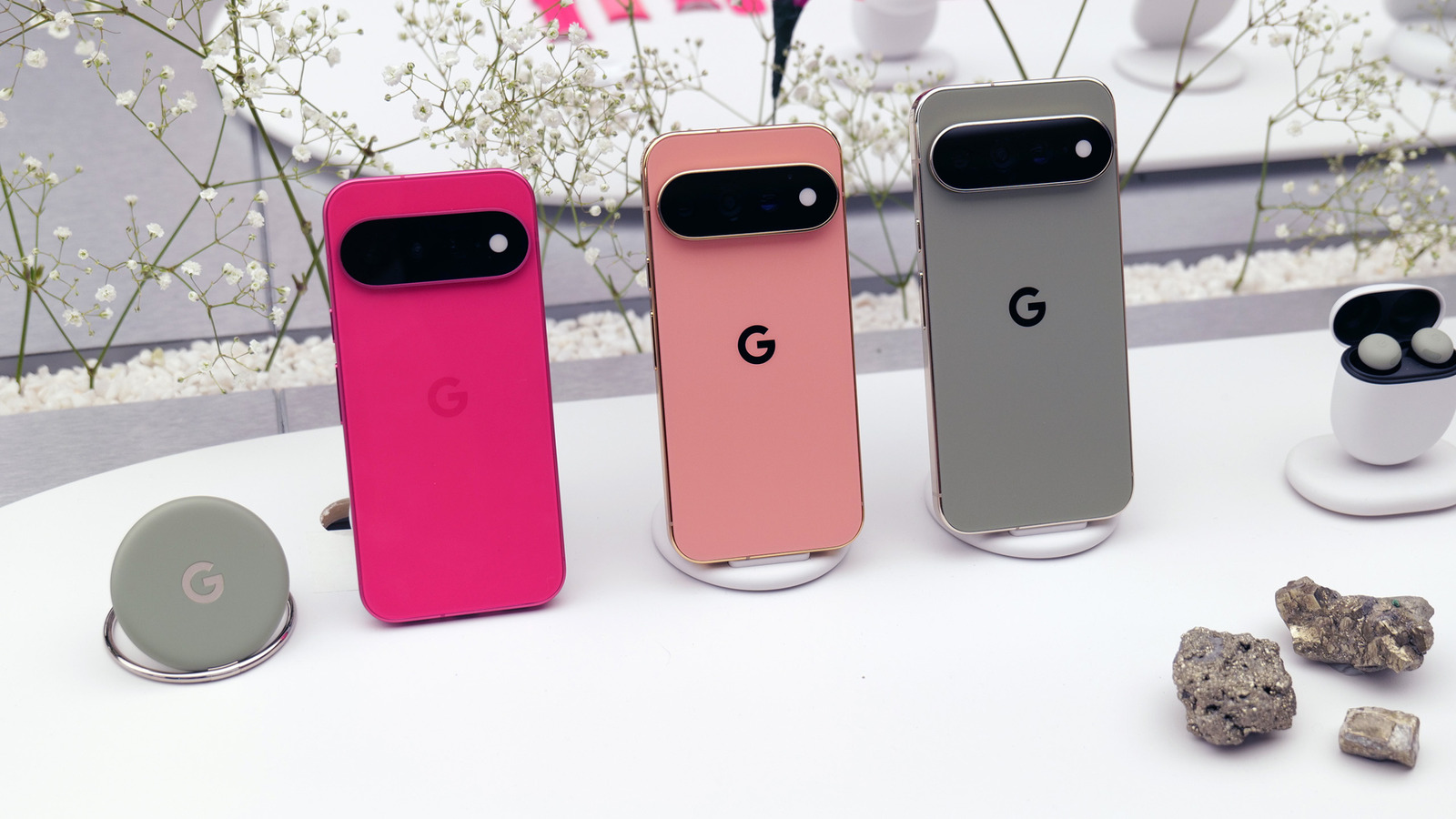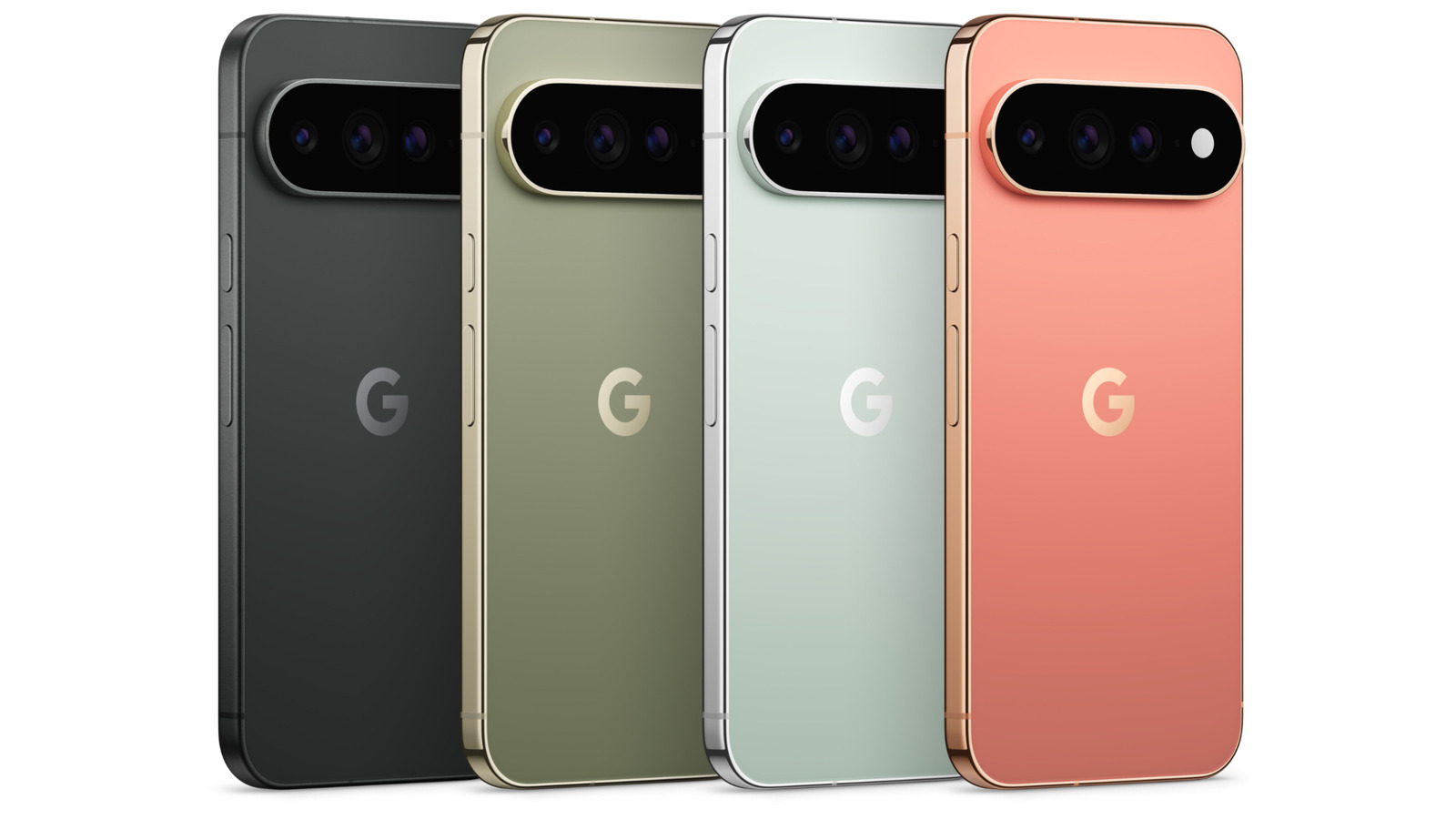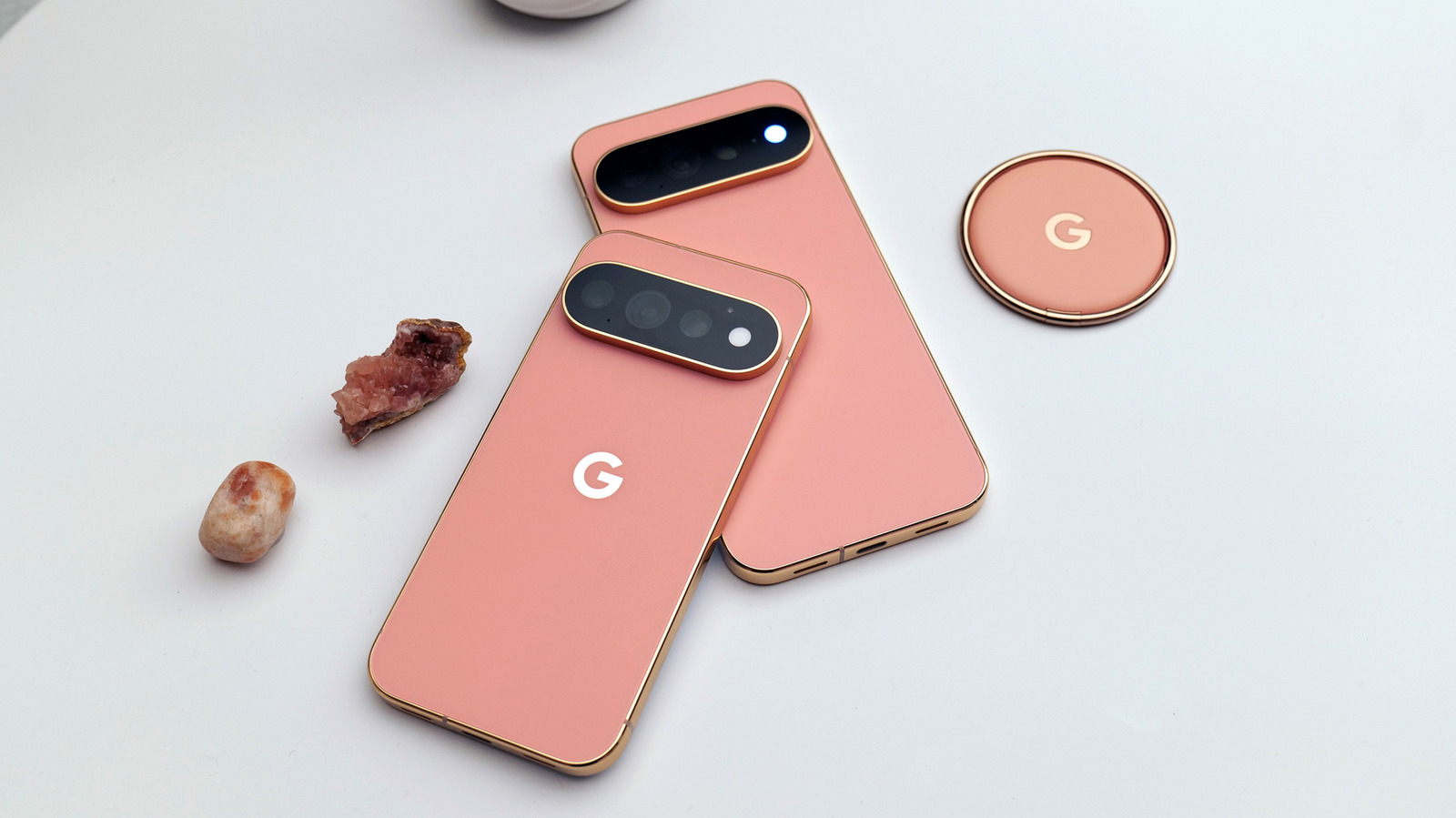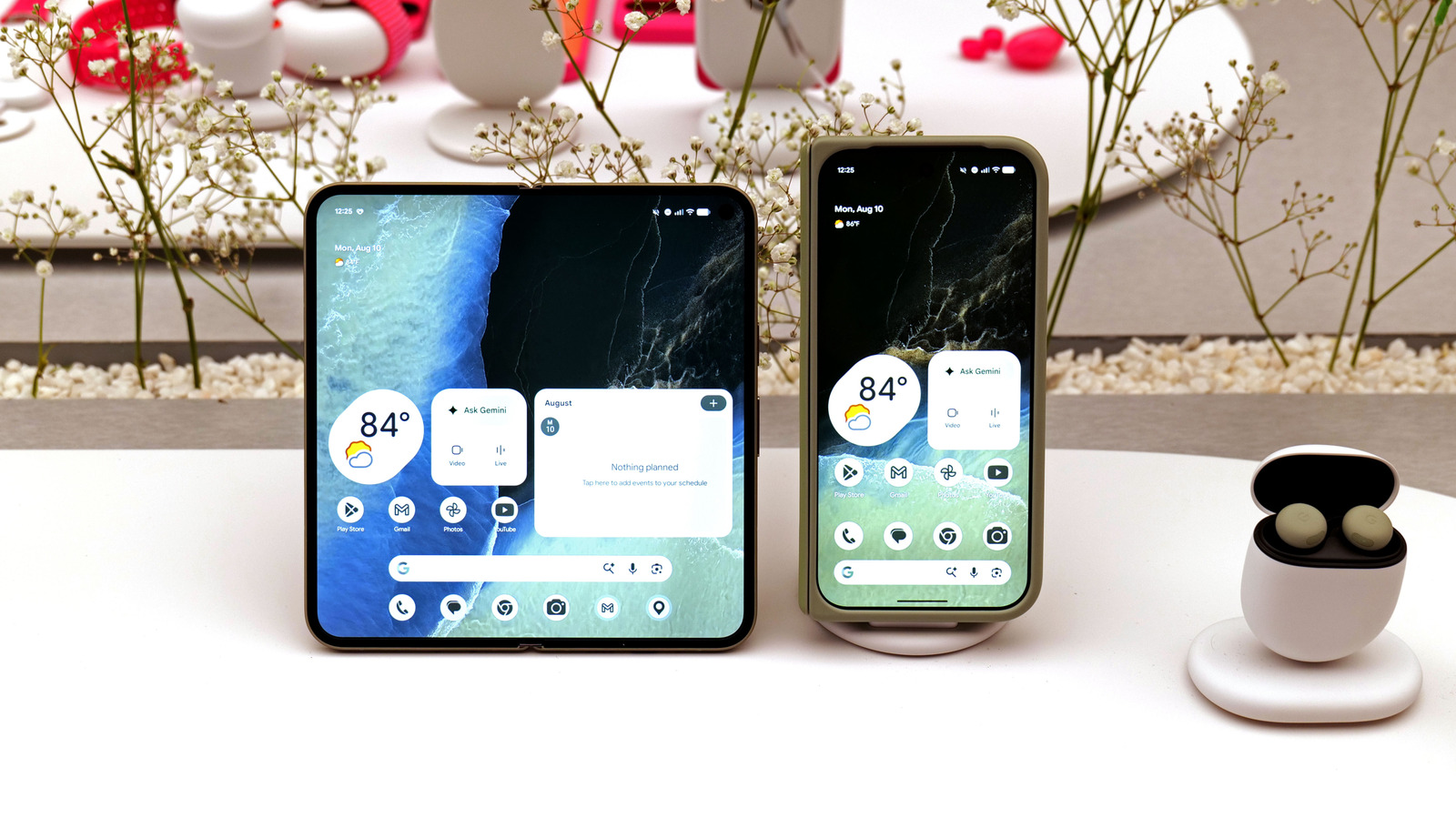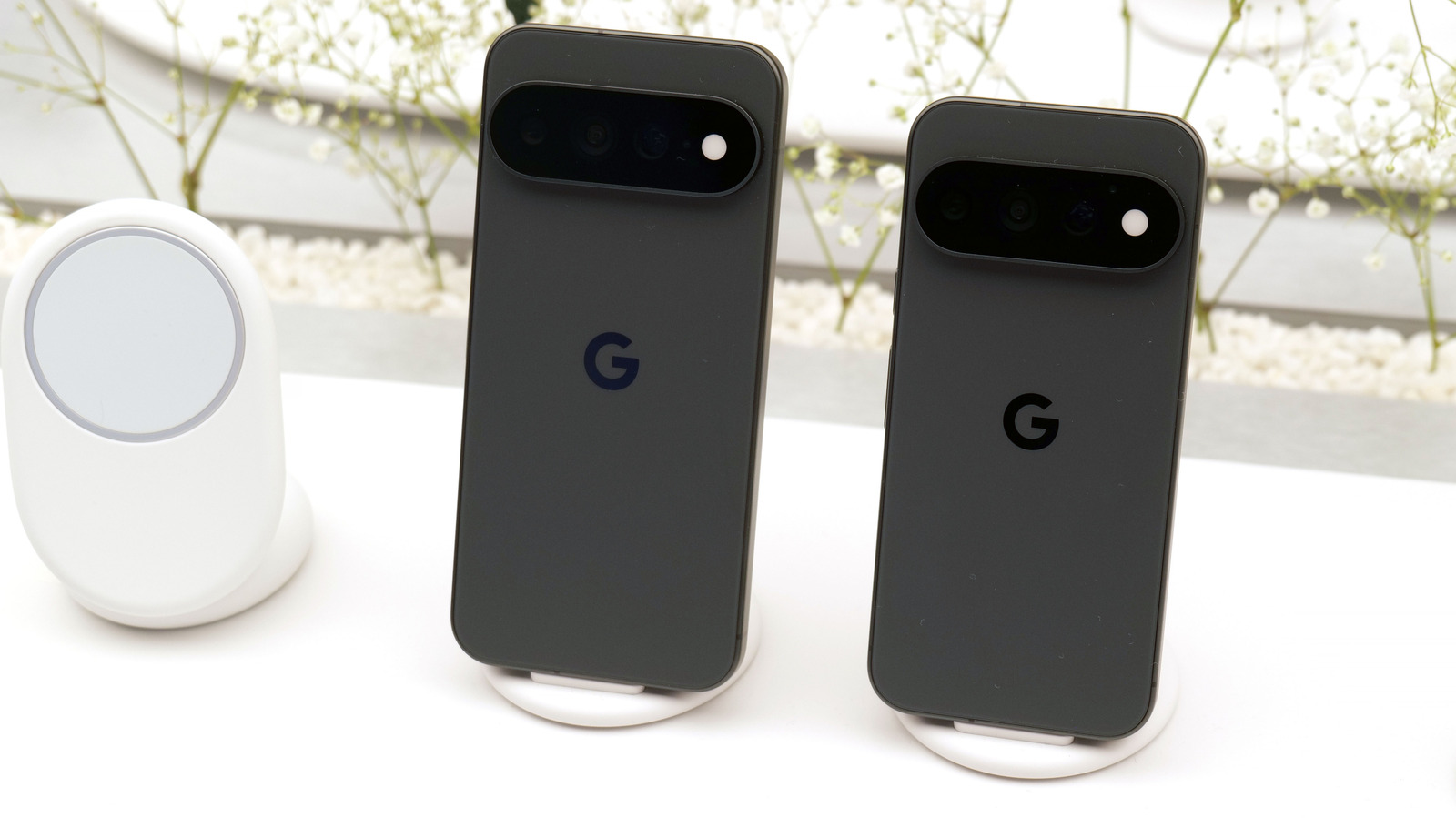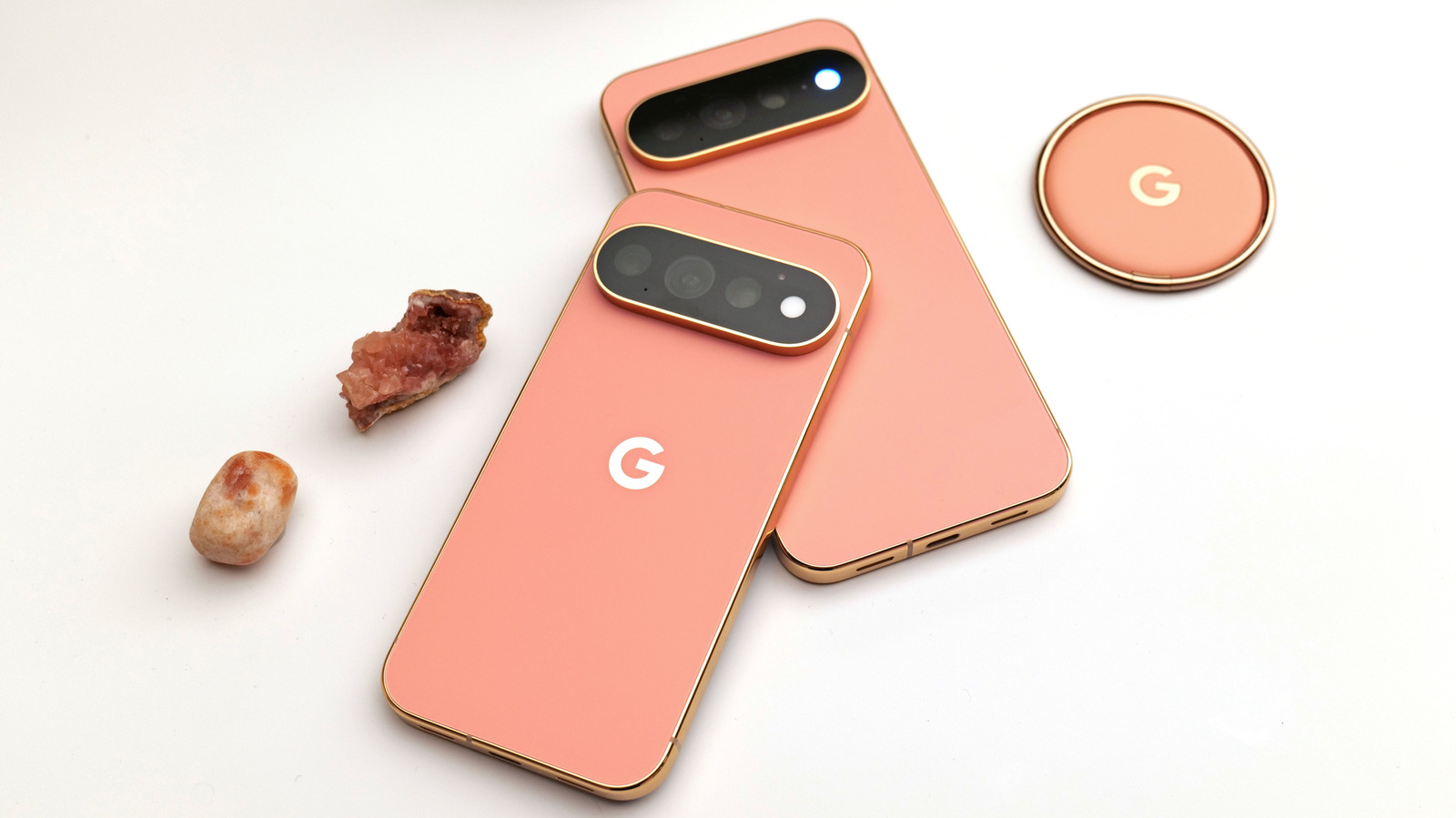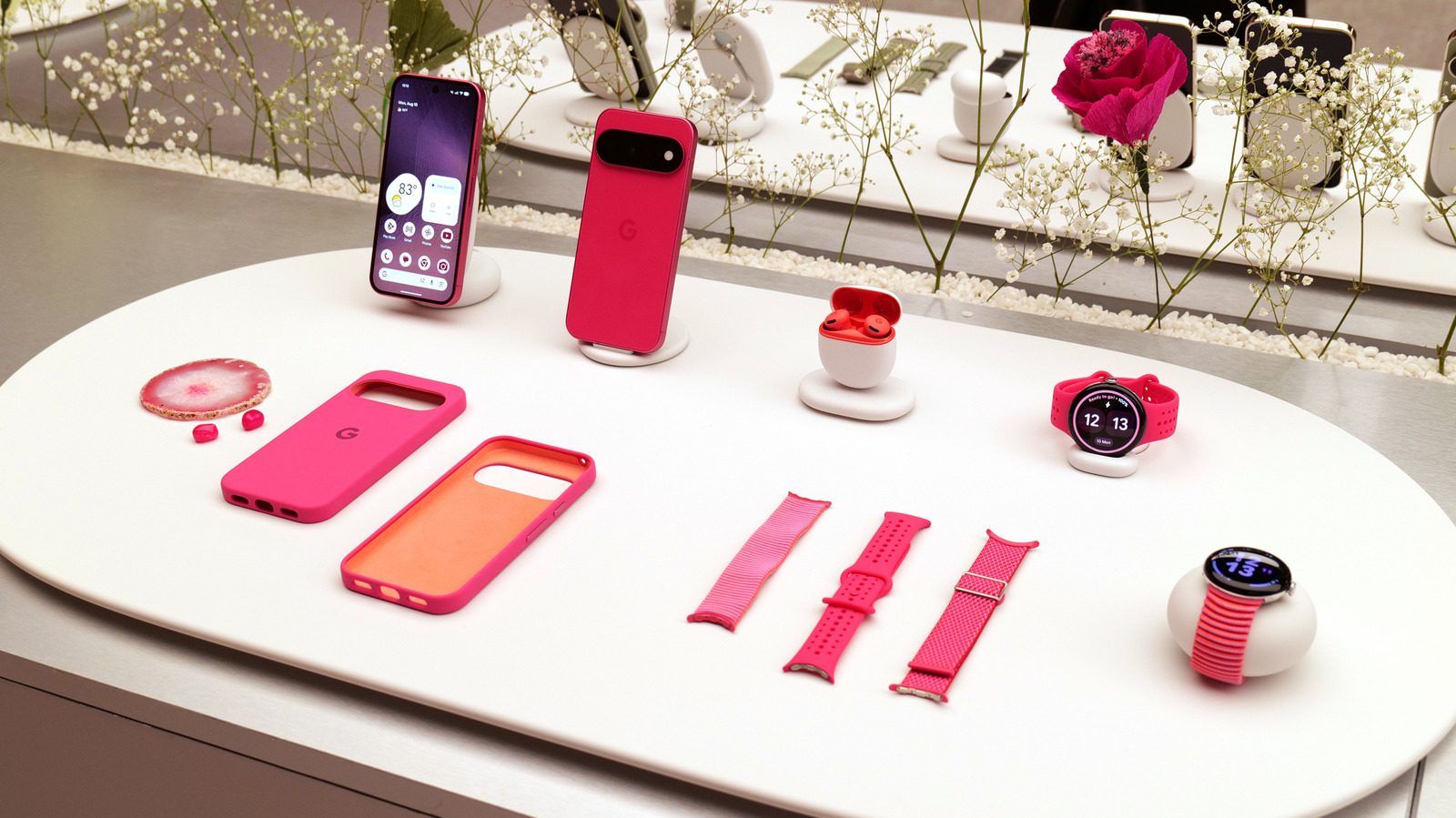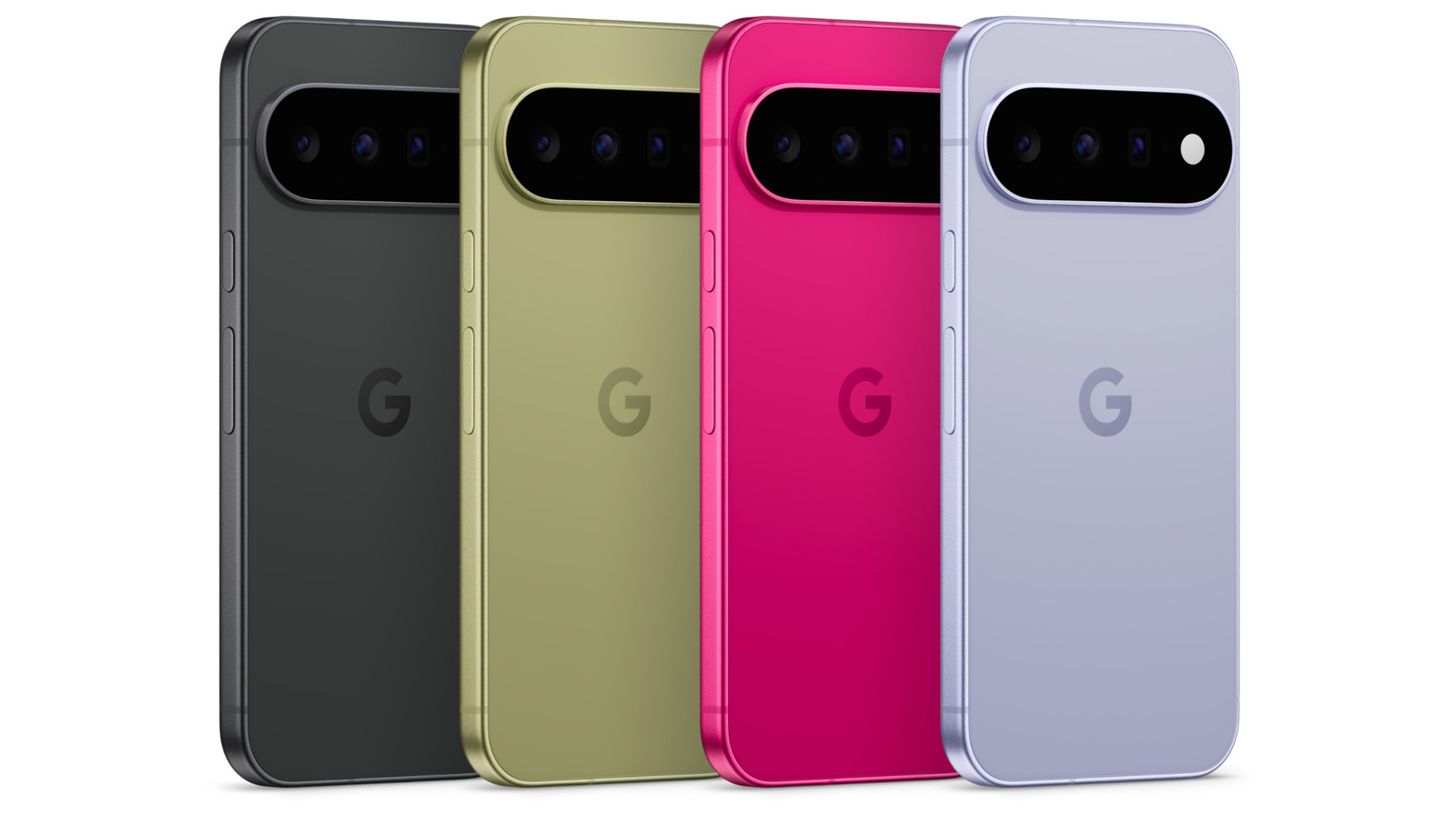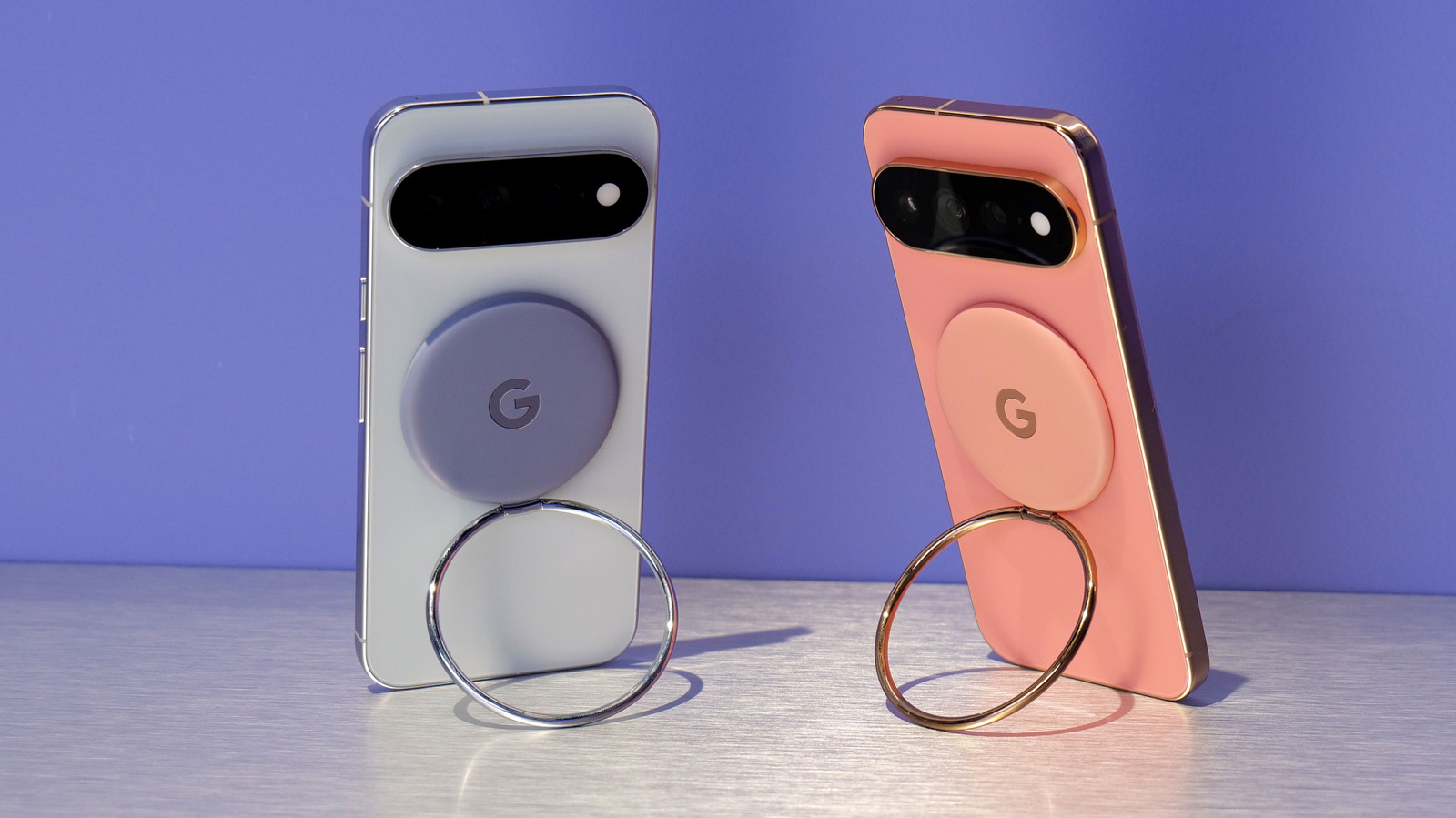
At least on their spec sheets, Google and Samsung have put up impressive hardware with this year's flagships. Software is far more interesting, with Google's Pixel UI on Android 17 taking a radically different approach compared to Samsung's One UI.
As expected, The Pixel 11 series is focused on AI features. In terms of things that actually sound useful if they turn out to work as advertised, Google is finally adding a feature it first showed off in 2018 — your phone can now use Gemini to call businesses on your behalf, showing you a live transcript and the option to take over the call yourself at any time. For anyone who wants to let their hairstylist know they're not important enough to speak with directly, now is your time to shine. On the other hand, now you get to make your insurance company speak with a robot.
Gemini will now be able to use your apps on your behalf for things like DoorDash orders or calling an Uber. Google has been teasing this for a while and rolling it out in limited capacities to the Pixel 10. Most new flagship Android devices are likely to receive the feature, though there's no telling how well it may work.
There's also a new mode in the Pixel camera app called Magic Capture, which will capture videos and select the best photo frames from them with automatic cropping and unblurring. And the camera also gets Circle to Search, allowing users to run a Google search by pointing it at a subject.
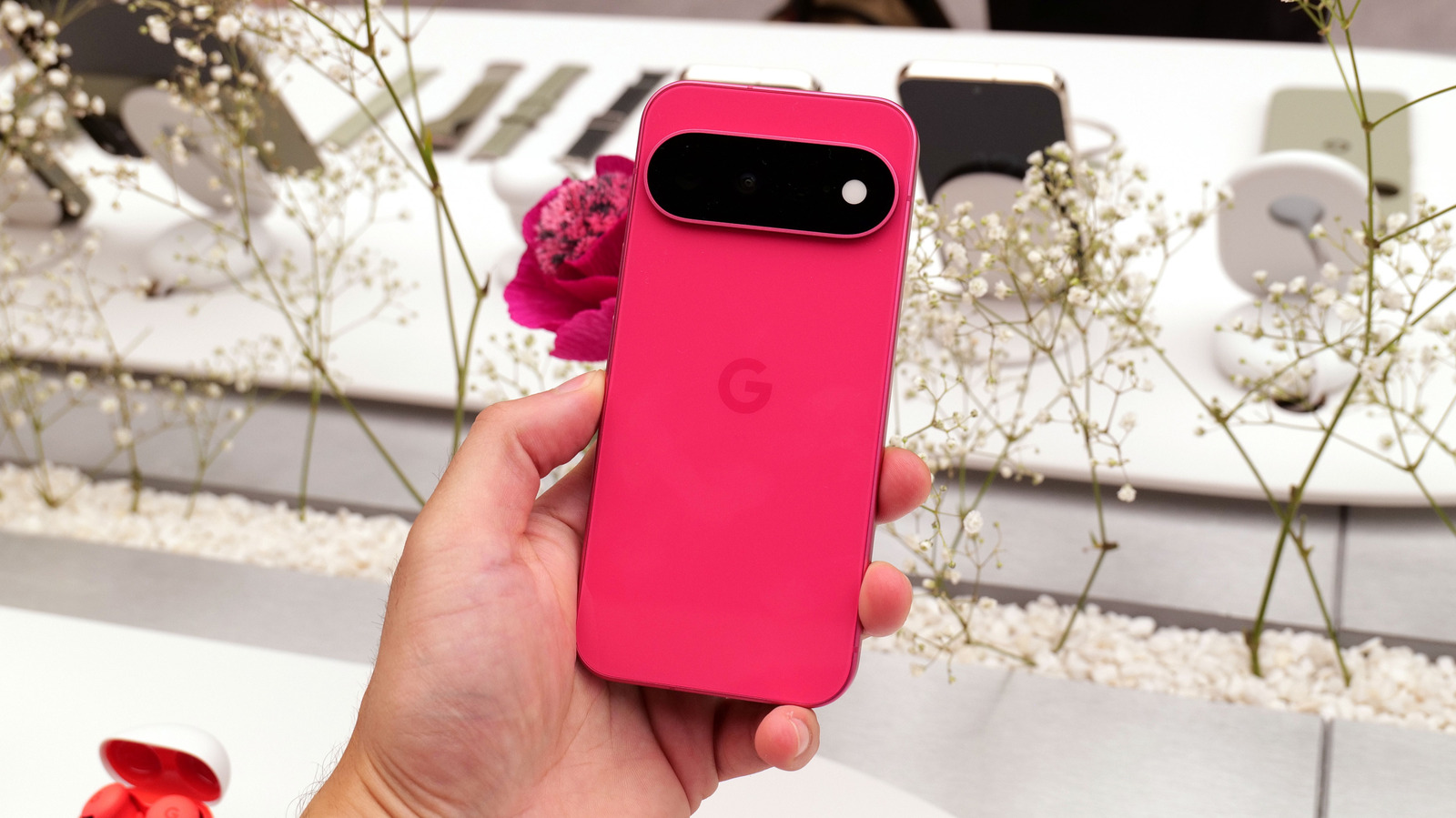
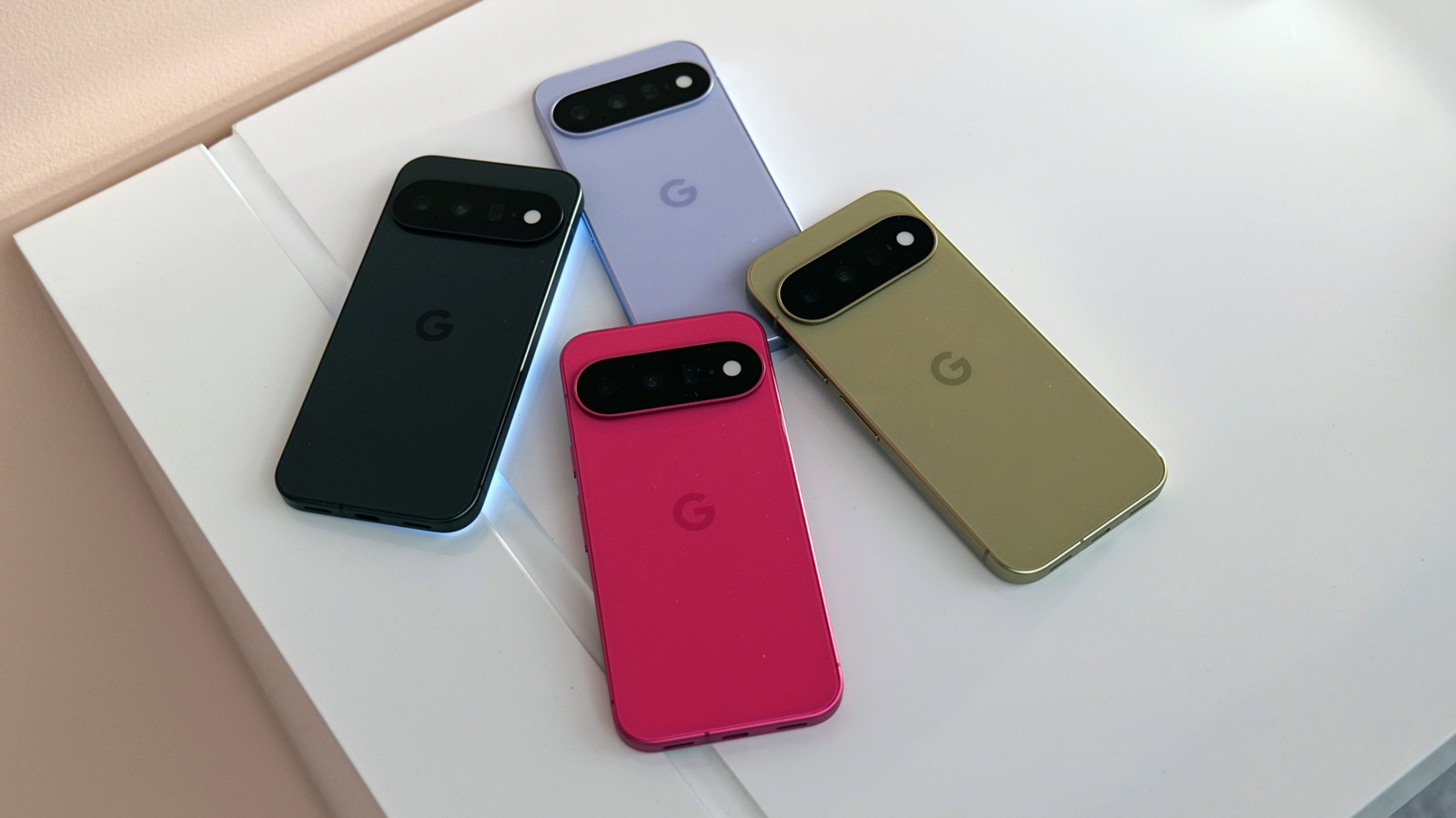
Most intriguingly, we finally see the rumored "Pixel Glow" in action on the Pixel 11 series, which now goes by the official name HiLight. It's an array of LED lights on the camera bar that can be used to convey information from apps, such as notifications or interactions with Gemini. It's really nothing more than a beefed-up take on the LED notification lights that were very common on Android phones in the 2010s, and the many users who have lamented the death of that feature will no doubt be thrilled to see it return here. At launch, it only works to show calls from your favorite contacts and to indicate Gemini activity, so here's hoping Google eventually allows for user customization with other apps.
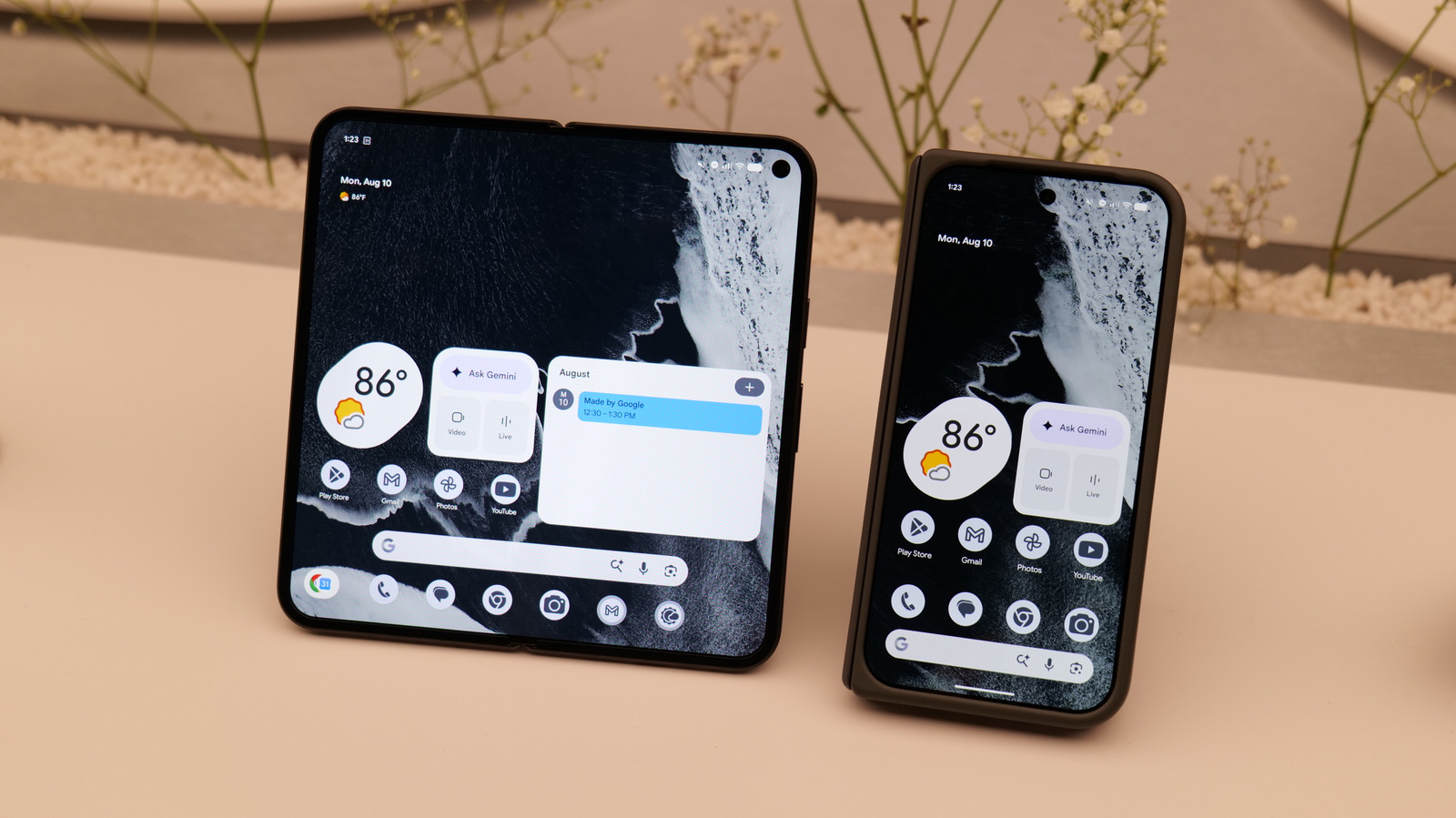
Material 3 Expressive design language has now fully matured across the Pixel interface, though it's not unique to the new devices. With much of the industry now chasing Apple's Liquid Glass, it's refreshing to see Google pursuing a much different vision, though how you feel about it may depend on whether squiggly lines bring you a sense of whimsy.
As for the S26 Ultra, Samsung's standout software features in One UI 8.5 are more focused on customization. (Though One UI 9 launched on new Galaxy foldables in August, the update has not yet made its way out of beta on the S26 Ultra quite yet.) You can now fully edit the Quick Settings panel, moving and resizing toggles and sliders to your heart's content. A redesigned lock screen makes elements more playful and interactive, including an adaptive clock that will contort itself into shape around the elements of your wallpaper.
The most useful AI features on the S26 Ultra (aside from those housed in Google Gemini) include an improved Audio Eraser, which does feel a bit like black magic. If your favorite YouTuber used distracting background music, Audio Eraser will strip it almost completely away so you can hear the person speaking. When editing video, it can do the same to wind and other unwanted noise. It even works on phone calls, so others can hear you better and vice versa. Samsung's live interpreter is better than you'd expect, and has helped me get through a complex interaction with an Uber driver whose first language I did not speak.
Galaxy products really shine when you use the ecosystem. The S26 Ultra now has Storage Sense, which lets you remotely browse file systems on other Galaxy phones, tablets and laptops. Music Share lets friends piggyback on your Bluetooth connection to play their own jams, perfect for sharing the car stereo during a long drive. And Samsung DeX remains useful as ever for booting up a windowed desktop environment on external monitors and TVs.