Make sure you don’t buy a model that’s incompatible with your games.
Paul Stringer/Shutterstock
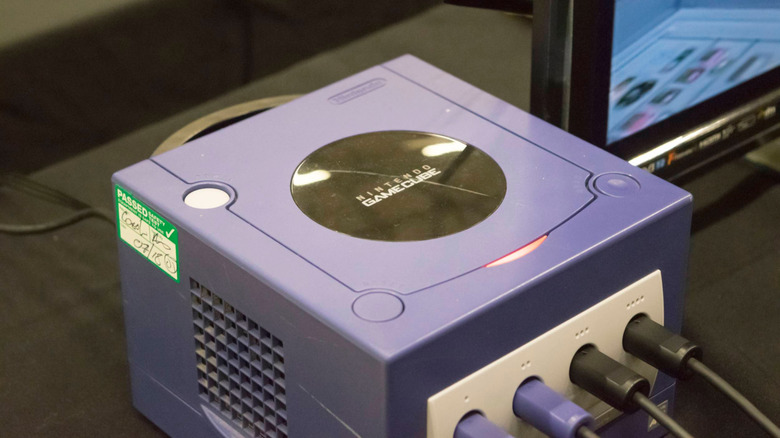
Buying a GameCube is one of the few official ways to experience the console's library for the first time or relive your childhood favorites. And while the 'Cube has fewer hurdles to using it today than many of its ancestors have, it's not necessarily as simple as plugging and playing. If you're not careful with the model you buy, you could end up not being able to play any games.
This isn't the only problem with using a console that's a quarter-century old and was discontinued in 2007. Of course, there's always the general risk of hardware failure over time, leading to discs not reading or internal batteries dying. But you might not know a small revision to the console removed a feature that's more relevant today than it was when the system was new.
Given how expensive GameCube collections are now, be sure to check the details so you don't make a costly mistake.
The biggest problem: region locking
Cromatoki/Shutterstock
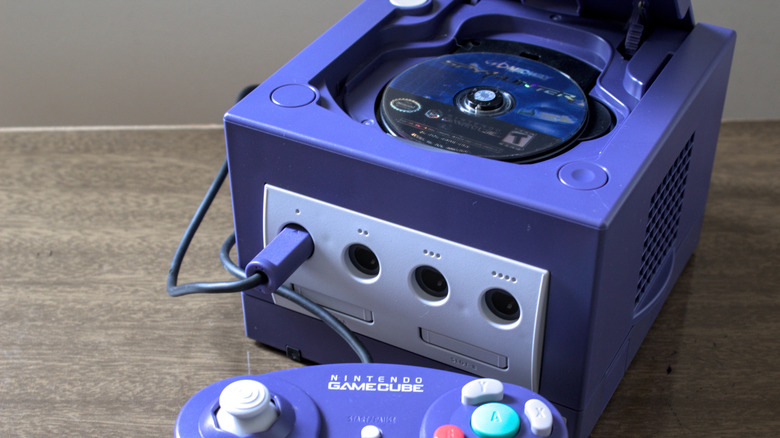
The GameCube is region-locked, which means that a given console will only play games that were made for its market. If you buy an American GameCube, it won't play Japanese games.
There are three major regions the console was built for: North America (NTSC-U), Japan (NTSC-J), and Europe/Oceania (PAL). These NTSC and PAL terms come from older analog TV standards matching the power grids used in each area. The differences are why retro European games run at 50 or 25FPS, instead of the 60 or 30FPS familiar to North Americans.
Region locking was a common limitation in the '90s and 2000s. Earlier Nintendo consoles like the NES and SNES were also limited by region, along with the PlayStation and Dreamcast. The practice wasn't as frequent on handhelds, since the built-in screens bypassed the analog TV problems.
Thankfully, today's consoles don't have this drawback. The Nintendo Switch 2, PS5, and Xbox Series are all region-free, letting you play physical games from anywhere. However, there are still some regional restrictions. You can only use the digital store for the country your account is associated with, and you have to use a payment method from that location. DLC is also typically region-locked, so you can't buy a European expansion for an American game.
Why does region locking exist?
LIAL/Shutterstock
While it's not good for you as a player, companies had their own reasons to impose region locks (aside from the historical analog display problem where they were physically incompatible). Decades ago, it wasn't as common for games to release globally at the same time, so these blocks stopped people from importing new games early. Different regions have various ratings boards, so localized releases need to be rated accordingly and potentially modified.
It also allows each region's branch (like Nintendo of America) to set appropriate prices for their markets. This is still the case today with Steam; it's against the platform's terms of service to change your location so you can buy cheaper games using another country's currency.
You must therefore be careful of not only what console you buy, but also which games you get. Even if you found a cheap Japanese GameCube, you wouldn't be able to play English-localized games on it. And you can't try Japan-exclusive games on your American GameCube, either. While it's possible to mod your system to remove region locking, doing so is complicated, so it's better to buy the correct one from the start.
Thankfully, it's not difficult to tell them apart in most cases. American GCN games have the familiar ESRB letter rating, while system-exclusive titles have a flat Only For label at the top-left. European games often have "PAL" on the box, while the Only For label is rounded when present. Plus, their spines have a green triangle at the bottom and the GameCube logo at the top. Japanese boxes are smaller and obviously feature that language.
For the console, Japanese models have (JPN) next to their model number on the bottom, along with Japanese text. American models have (USA) after the model number, with PAL consoles having (EUR). Be sure to double-check photos if buying online.
Another hurdle: digital output
Achmad Wahyudi/Getty Images
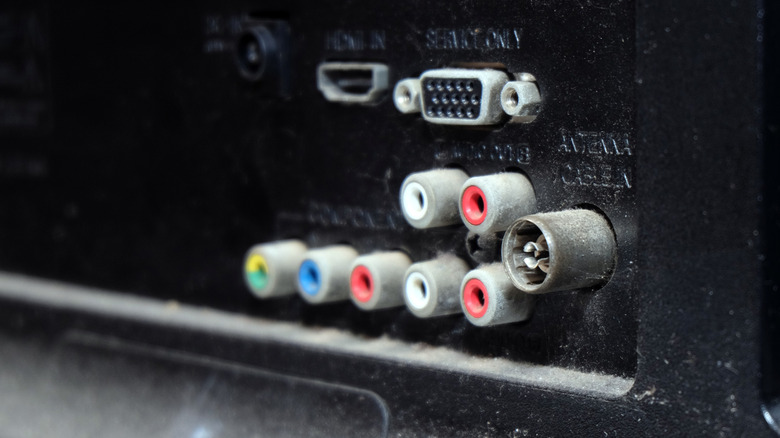
If you have an old TV to use with the GameCube, you're all set. Your modern TV might need an adapter to work with the system, though. Many of today's TVs lack composite inputs, so you'll either need a composite-to-HDMI adapter or a cable that connects the GameCube's output port to HDMI.
While the GameCube never got a major revision like the many "slim" rereleases we see, Nintendo did release a slightly tweaked model in early 2004. This has one major difference: newer units lack the digital output port seen on the original. Dropping that made the console cheaper to produce, especially since few people used this output back then.
That port's original purpose was to enable 480p output via component cables, which is sharper than the normal 480i display of the system. Nowadays, third parties take advantage of this port to enable HDMI output from the GameCube. For the best picture quality, it's best to buy a DOL-001 system that has the Digital AV Out port on the back. If you decide not to bother with an actual console, some of the hits, like Super Mario Sunshine, are available on the Switch 2's Nintendo Classics library.