 5 hours ago
2
5 hours ago
2
It got to the point where I couldn’t remember why I picked up my phone. I compulsively opened Threads and TikTok at all hours of the day and got sucked into the endless scroll — but I found a way to retrain my brain this week, thanks to a new iOS 27 feature.
I’m beta testing the upcoming operating system and its refreshed Shortcuts app, which lets you program your iPhone to do things using ordinary language. It’s called Describe a Shortcut. I speak my wishes into the app, and it obeys.
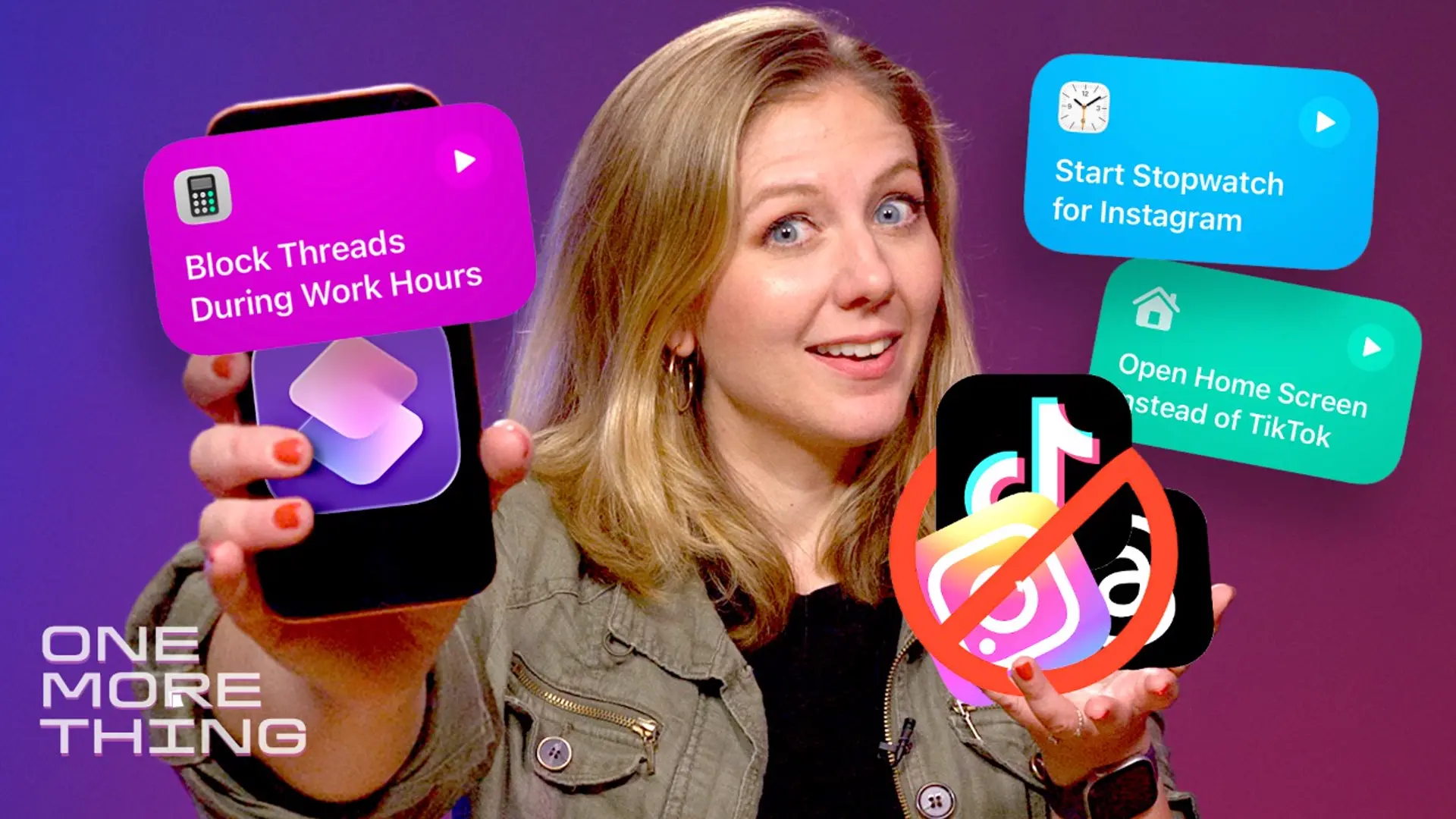
So in this week’s One More Thing video, which you can watch embedded above, I found out what happens when you tell Shortcuts to not let you open Instagram (or Threads, or TikTok) during work hours.
This is probably not what Apple developers had in mind for Shortcuts. After all, the Apple Screen Time app already has plenty of ways to help curb a social media addiction. But reprograming my phone to turn it into a brick is more fun than paying for another company to “Brick” my phone. (Yes, people do this.)
For more One More Thing, subscribe to our YouTube page to catch Bridget Carey breaking down the latest Apple news and issues every Friday.

Bridget Carey
Editor at Large
Bridget Carey is an award-winning consumer technology reporter and host of the weekly Apple show, "One More Thing." See full bio