Cloud storage isn't your only option.
Adnan Ahmed for Engadget
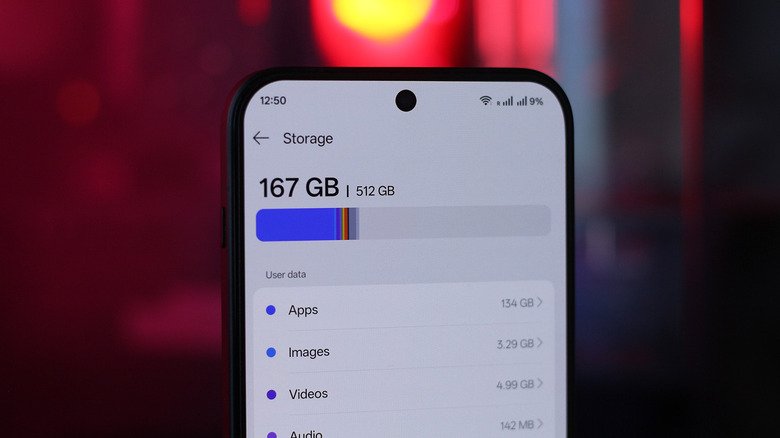
Smartphones now ship with more RAM and storage to accommodate the heavier workloads, larger media files and expansive app libraries. If you're shopping for a new Android smartphone from a mainstream brand, you can expect it to ship with at least 128GB of internal storage. To some, this may be all the storage they'll ever need, but others may quickly find themselves running out of space.
In the past, expanding your phone's storage was as simple as buying an inexpensive microSD card and inserting it into the phone. You could then transfer photos, videos and larger files to make space for app installations on your phone's internal storage. Funnily enough, recent versions of Android now let you transfer installed apps to an SD card — you used to need third-party solutions to do that before. For the five phones around that still ship with a microSD card slot, this feature is a welcome addition.
For everyone else, cloud storage is the most readily available solution. If it's media files that are eating away at your phone's storage, consider subscribing to a Google One plan. Your photos and videos will automatically be synced via Google Photos, and you can offload any larger documents through Google Drive. Google accounts with a linked phone number get 15GB of free cloud storage, but this doesn't take a long time to fill up, especially now that Android backups will count toward your cloud storage. If you don't mind losing a bit of the ecosystem convenience and the seamless sync, you can always subscribe to cloud storage options that are more economical.
Use an external SSD or a flash drive
Adnan Ahmed for Engadget
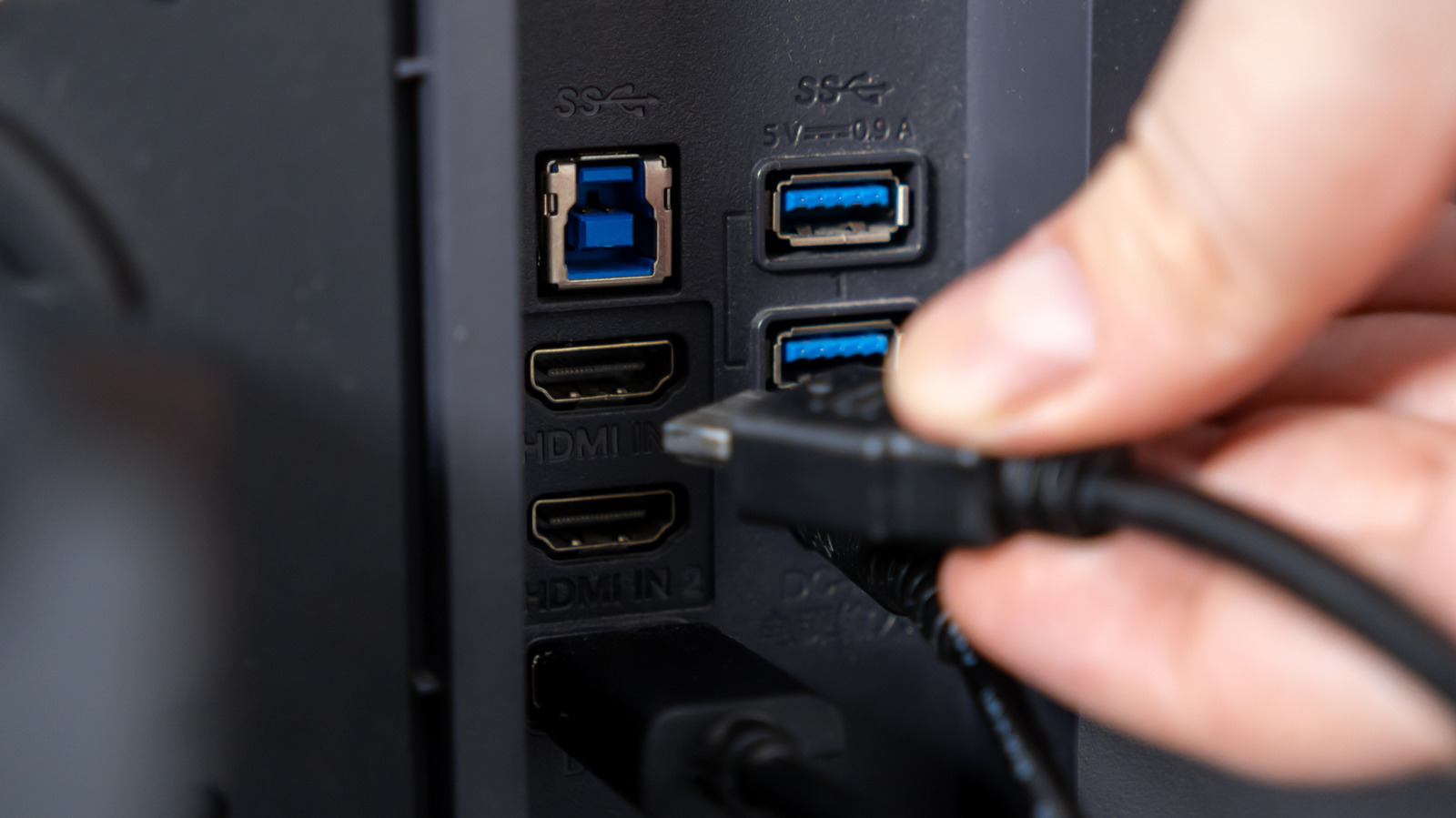
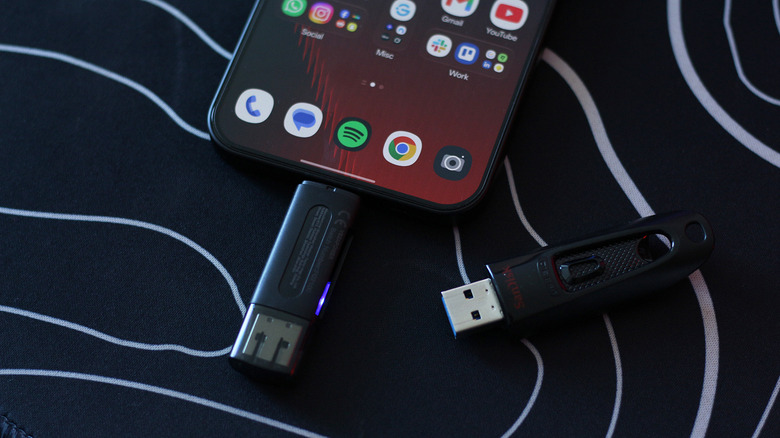
If you just rolled your eyes at the thought of shelling out a monthly or yearly subscription fee for cloud storage, we get it. Using an external storage drive is another option and has actually become really easy thanks to USB-C. Nearly all Android phones support the USB OTG (On-The-Go) specification, so all you need is an external hard drive and an appropriate dongle. You may have to enable the OTG functionality through your phone's settings first in case it doesn't automatically recognize the drive.
The built-in file manager then lets you access the contents within the external drive. You can move files around at usually decent speeds, depending on your phone's USB-C specification and the drive's capabilities. If file transfer is an action you perform regularly, then picking up a USB-C flash drive can make the process even more convenient. Many external SSDs also ship with a USB-C to USB-C cable in the box that eliminates the need for a dongle.
Also, if you have a full-sized SD card, you can hook it up to your Android phone using an adapter. Some high-end smartphones that let you record videos in 8K, like the Galaxy S26 Ultra, can do so directly onto a compatible external SSD.